Markets and shopping
UPI fraud: how to pay and get paid safely in Kota's markets
Written by Kota Market Editorial Team · Updated
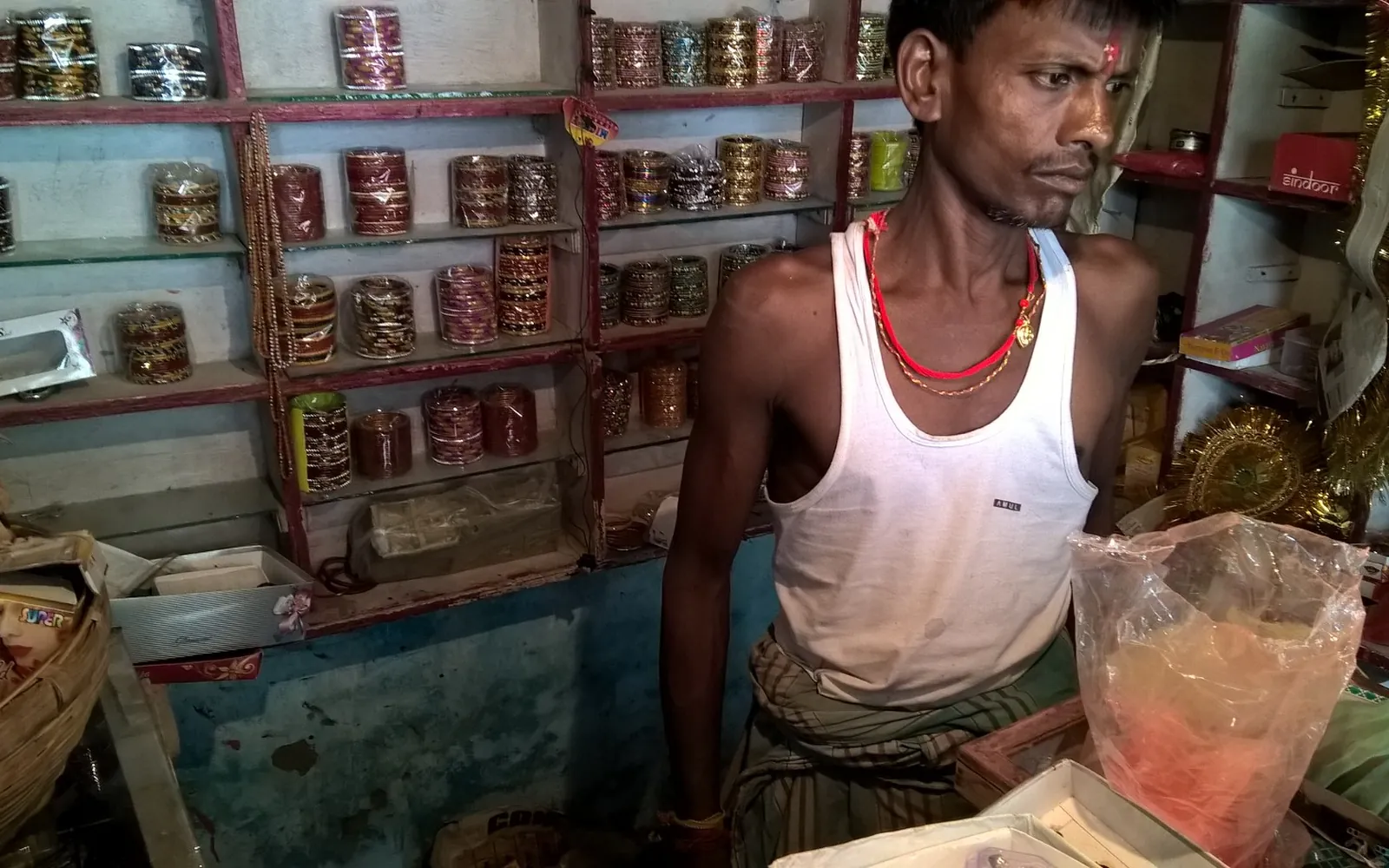
UPI has made paying in Kota’s markets easy. You can buy vegetables, kachori, a Kota Doria saree or a phone charger with a quick scan. But UPI fraud has grown with it, and both buyers and small shopkeepers are targets. Most tricks rely on rushing you or confusing who is paying whom. This guide explains the common scams in plain terms, the habits that prevent them, and exactly what to do if something goes wrong.
It is general guidance, not legal or financial advice. Your bank’s official channels have the final word on your account.
The one rule that stops most scams
You only enter your UPI PIN when money is leaving your account. Never to receive money, never to “verify” a refund, never to “claim” a prize. If anyone asks you to enter a PIN, scan a code or approve a request so that money can come to you, stop. It is a scam.
Common tricks on buyers
Swapped or covered QR codes. A fraudster sticks their own QR code over a shop’s code, or a fake code is shown on a phone. Check: after scanning, look at the name that appears before you pay. If it does not match the shop or the person you are paying, ask.
“Wrong amount” after scanning. Some dynamic QR codes fill in the amount. Check: confirm the amount on your screen matches what you agreed before you enter the PIN.
Fake refund or “customer care” calls. After an online purchase or a complaint, someone calls claiming to be from a company or bank and asks you to install a screen-sharing app, scan a code or share an OTP. Never do this. Find the company’s contact details yourself on its official website or app.
Prize, cashback and job offers. Messages promising money if you “pay a small fee” or “approve a request”. Real cashback never needs your PIN.
Common tricks on shopkeepers
Small shops and stalls lose money in a few repeated ways:
- Fake payment screenshots. A customer shows a screenshot or an edited screen that looks like a successful payment. Only trust a credit you can see in your own UPI app, a bank SMS, or a sound box linked to your account.
- “Payment pending” stories. The customer says the payment is “processing” and leaves. If it has not arrived, politely ask them to wait or pay another way.
- Overpayment and “please return the extra”. Someone claims to have sent too much and asks you to send the difference back. Check your own account first. Often nothing extra arrived.
- Requests to “receive” money. Someone sends a request and asks you to approve it to receive a payment. Approving a request sends money out.
Our smart shopping guide covers the buyer side of paying in markets, and how to sell your handmade crafts in Kota has tips for small sellers taking payments.
A note on collect requests
A collect request is a request for money that pops up in your UPI app for you to approve. NPCI, which runs UPI, announced that person-to-person collect requests would end from 1 October 2025, because they were widely used in fraud. Requests from genuine merchants, such as a booking site you are paying, can still appear. If a request appears that you were not expecting, decline it.
Everyday habits that protect you
- Lock your phone and UPI app with a PIN or fingerprint, and never share your UPI PIN or OTPs, even with family members helping you.
- Use the official app from your bank or a well-known UPI app, downloaded from the official app store.
- Turn on SMS and app alerts for every transaction, and read them.
- Keep a small balance in the account linked to UPI for daily spending if you can, and keep savings in a separate account.
- Do not pay strangers in a hurry. Most scams depend on pressure: “the offer ends now”, “your account will be blocked”.
- Ask for a bill for larger purchases. A bill matters for any later complaint; see our guide to no exchange, no refund signs for what a bill helps you prove.
Busy markets and festival crowds
Scams cluster where people are rushed: crowded festival markets, station areas and late evenings. During Diwali and wedding season, take a moment before each payment to check the name and amount. Our Diwali shopping in Kota guide has more on shopping safely in the festival rush, and the shopper’s guide to Kota’s main markets explains when markets are calmer.
If you are cheated: the first hour
Speed matters. The sooner the transaction is reported, the better the chance that the money can be stopped.
- Stop. Do not send more money, even if the caller promises to return it.
- Call 1930 (national cyber crime helpline) or report on cybercrime.gov.in.
- Tell your bank through its official app or the helpline printed on your card or passbook.
- Save the evidence: transaction ID (UTR), screenshots, the fraudster’s number and UPI ID, and messages.
- Report fraud calls and messages on the Sanchar Saathi portal, which has a facility for reporting suspected fraud communication.
RBI rules limit a customer’s liability for unauthorised electronic transactions in many situations, especially when they are reported quickly. Exactly how they apply depends on the facts, so report first and ask your bank to explain the outcome in writing.
If the bank does not resolve it
Complain to the bank in writing and keep the complaint number. If the bank does not resolve your complaint within the time allowed, or you are not satisfied, you can approach the RBI through its Complaint Management System.
A dispute with a shop over goods, rather than fraud, is a consumer matter. Our guide on how to file a consumer complaint in India explains that route.
Fake refund calls and online orders
A growing share of UPI fraud starts with an online order. Someone calls or messages claiming to be from a shopping app or courier, says a refund is pending, and asks you to scan a QR code, enter a PIN or install a screen-sharing app. A genuine refund never needs your PIN. Raise any refund issue only inside the official app or website; our online shopping return policy guide explains how real return and refund requests work. During the festival season, crowded fairs such as the Kota Dussehra Mela are another place to double-check the payee name before you pay.
Quick checklist
- Name on screen matches the shop or person?
- Amount matches what you agreed?
- Are you sending money? Only then enter your PIN.
- Shopkeeper: is the credit visible in your app or SMS?
- Suspicious call or message? Hang up and use official contacts.
- Cheated? 1930 and your bank, straight away.
Frequently asked questions
Do I need my UPI PIN to receive money?
No. You enter your PIN only to send money or check your balance. Anyone who asks you to enter a PIN, scan a QR code or approve a request so that you can 'receive' money is trying to take money from you.
What should I do in the first hour after a UPI fraud?
Call 1930, the national cyber crime helpline, or report on cybercrime.gov.in, and inform your bank through its official app or helpline so it can try to block the money. Keep the transaction ID, screenshots and the fraudster's number or UPI ID.
How can a shop check that a customer has really paid?
Only by seeing the credit in its own UPI app, bank SMS or a payment sound box linked to its account. A screenshot or the customer's phone screen can be faked.
Are UPI collect requests from other people still possible?
NPCI announced that person-to-person collect requests would end on UPI from 1 October 2025 because they were widely misused. Requests from genuine merchants can still appear. If an unexpected request pops up, decline it.
Where can I complain if my bank does not help?
First complain to the bank in writing. If it does not resolve the complaint within the time it is allowed, or you are unhappy with the reply, you can complain to the Reserve Bank of India through its Complaint Management System.
Sources
Editorial team
The Kota Market team writes and updates the shopping guides on this site and corrects them when readers point out errors.