Markets and shopping
How to Dispose of E-Waste in Kota: Phones, Laptops, Bulbs
Written by Kota Market Editorial Team · Updated
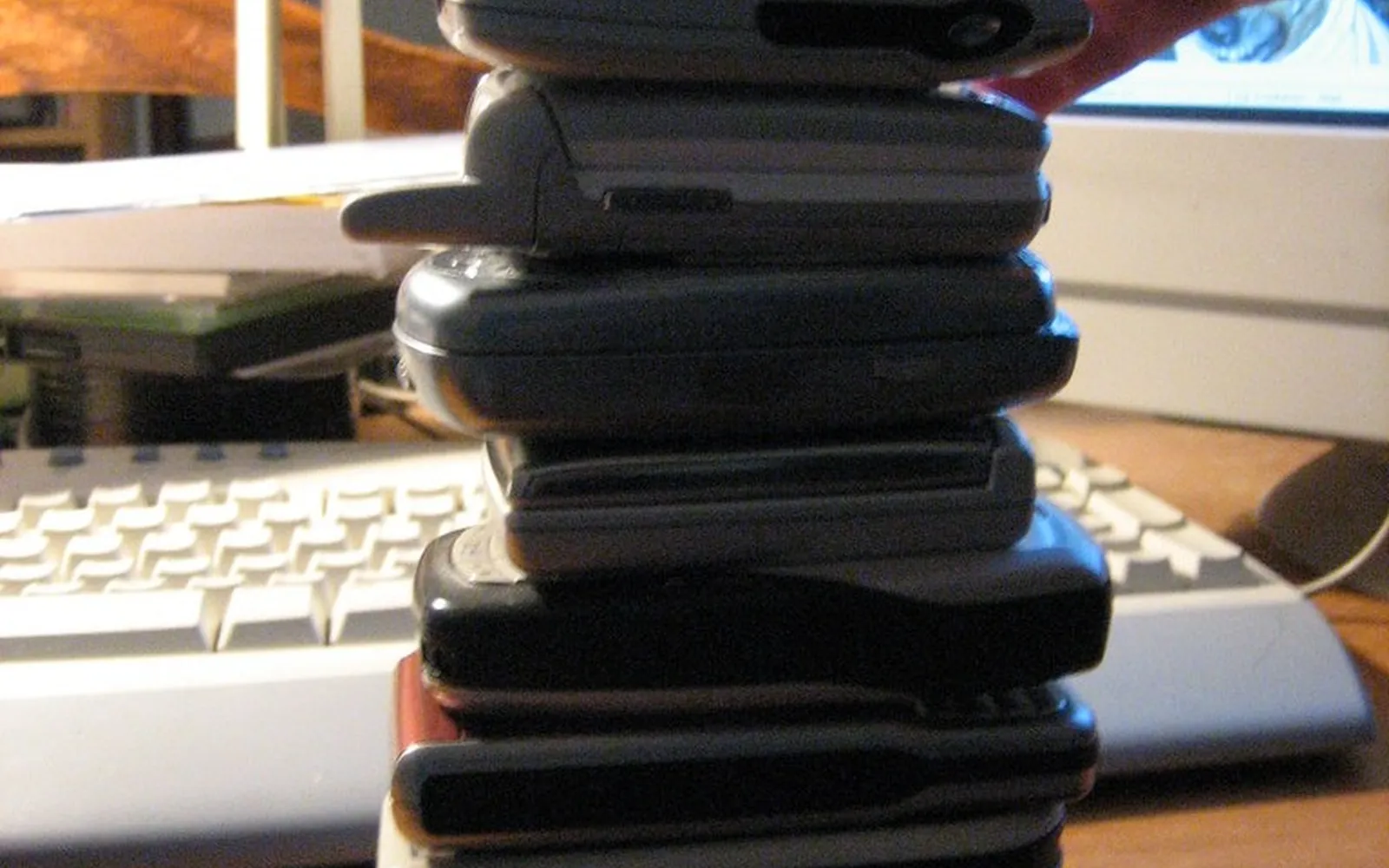
Almost every Kota home has a drawer of old phones, tangled chargers and dead remote controls, and every coaching season leaves behind laptops, table lamps and power banks that students no longer need. Knowing how to dispose of e-waste properly protects your personal data, keeps toxic materials out of the city’s drains and air, and often gets you something back in an exchange. This guide covers what counts as e-waste, how to wipe devices, where they should go and how to handle the dangerous bits.
We do not list recyclers or collection points by name, because these change. Instead we explain how to find a registered channel and what to ask.
What counts as e-waste
E-waste is any discarded electrical or electronic item, or part of one. In an ordinary home that includes:
- Mobile phones, feature phones, tablets and smart watches
- Chargers, cables, earphones, power banks and adaptors
- Laptops, desktops, monitors, keyboards, printers and routers
- TVs, set-top boxes and remote controls
- Fans, mixers, irons, kettles and other small appliances
- LED bulbs, CFLs and fluorescent tubes
- Batteries of all kinds, from AA cells to inverter batteries
These items contain valuable metals such as copper, gold and aluminium, but also lead, mercury, cadmium, brominated plastics and lithium. That is why they should not be mixed with kitchen waste or dumped.
What the law says, briefly
India’s E-Waste (Management) Rules, 2022 put the main responsibility on producers. Manufacturers, producers, refurbishers and recyclers have to register on the Central Pollution Control Board’s online portal, and producers must meet collection and recycling targets through registered recyclers. The rules are designed so that e-waste reaches the formal recycling system rather than informal dismantling.
For households, the practical message is simple: hand e-waste to a channel that is part of that system, such as a producer’s take-back scheme, a registered collection centre or a registered recycler. Lead-acid and other batteries are covered by separate Battery Waste Management Rules. You can read the official documents on the CPCB website and the Ministry of Environment site.
Step one: protect your data
The biggest personal risk with old devices is not toxic metal but your data. Old phones hold photos, chats, saved passwords, banking apps and OTP messages.
Phones and tablets
- Back up photos, contacts and documents to another device or cloud account.
- Sign out of your Google or Apple account, email, WhatsApp, banking and UPI apps. Some phones lock to the owner’s account after a reset unless you sign out first.
- Remove the SIM card and memory card.
- Factory reset from the settings menu.
- Check that the phone starts up as new, asking for setup.
If a phone does not switch on at all, the memory may still hold data. Do not hand it to an unknown repairer to “check”; treat it as data-bearing e-waste for a proper recycler.
Laptops and computers
- Copy your files, then sign out of browsers and cloud accounts.
- Use the operating system’s reset option with the choice to clean the drive fully.
- For old hard drives, use a secure-erase tool or remove the drive and have it physically destroyed.
Check your mobile connections
If you are giving up a number along with the phone, make sure no connection stays in your name that you do not use. The government’s Sanchar Saathi portal lets you see mobile connections registered against your identity and report ones that are not yours. Our UPI fraud guide explains why a lost SIM is a payment risk.
Step two: choose where it goes
Exchange and take-back
The easiest route is often the shop or brand. Many sellers of phones, laptops and large appliances run exchange offers, and producers are expected to provide take-back or collection arrangements for their products. Ask before you buy a new device what happens to the old one and whether you get a collection slip.
Registered recyclers and collection centres
The CPCB runs an EPR portal for e-waste where registered recyclers and other entities are listed. Look for recyclers that serve Rajasthan and ask whether they collect small household quantities or work through collection points. Schools, coaching institutes, offices and housing societies can sometimes arrange a pickup together, which makes more sense than one family’s small bag.
Municipal collection drives
Municipal bodies and NGOs sometimes run e-waste collection drives. Watch local notices and ask at your ward office. Keep your e-waste box ready so you can use such a drive when it comes.
Repair, resale and donation
The greenest device is one that keeps working. Kota’s phone repair market can replace batteries, screens and charging ports; our Kota mobile market guide explains what to check. Working laptops can go to a younger student or be sold; see our guide to buying a second hand laptop for what a buyer will check. Wipe your data first in every case.
The kabadiwala question
Kota’s scrap dealers buy almost anything, and selling to them is common. The problem is what happens next. In informal yards, cables are often burnt in the open to get the copper, and circuit boards may be soaked in acid to recover metals. Both release toxic smoke and liquids and harm the workers, who are often poor and unprotected.
If you sell to a scrap dealer, at least remove batteries, keep CFLs separate and never sell a device that still holds your data. For dead electronics, a registered channel is the better choice.
Hazardous items that need extra care
Batteries
- Lead-acid batteries from inverters, bikes and cars should go back to the dealer or an authorised collector. Our inverter battery buying guide covers the exchange.
- Lithium batteries in phones, laptops and power banks can catch fire if punctured or crushed. Do not try to remove a swollen battery yourself; tape the terminals of loose cells and keep them in a cool place until collection.
- Small cells (AA, AAA, button cells) should be collected in a jar and handed in with e-waste, never burnt.
CFLs and tubes
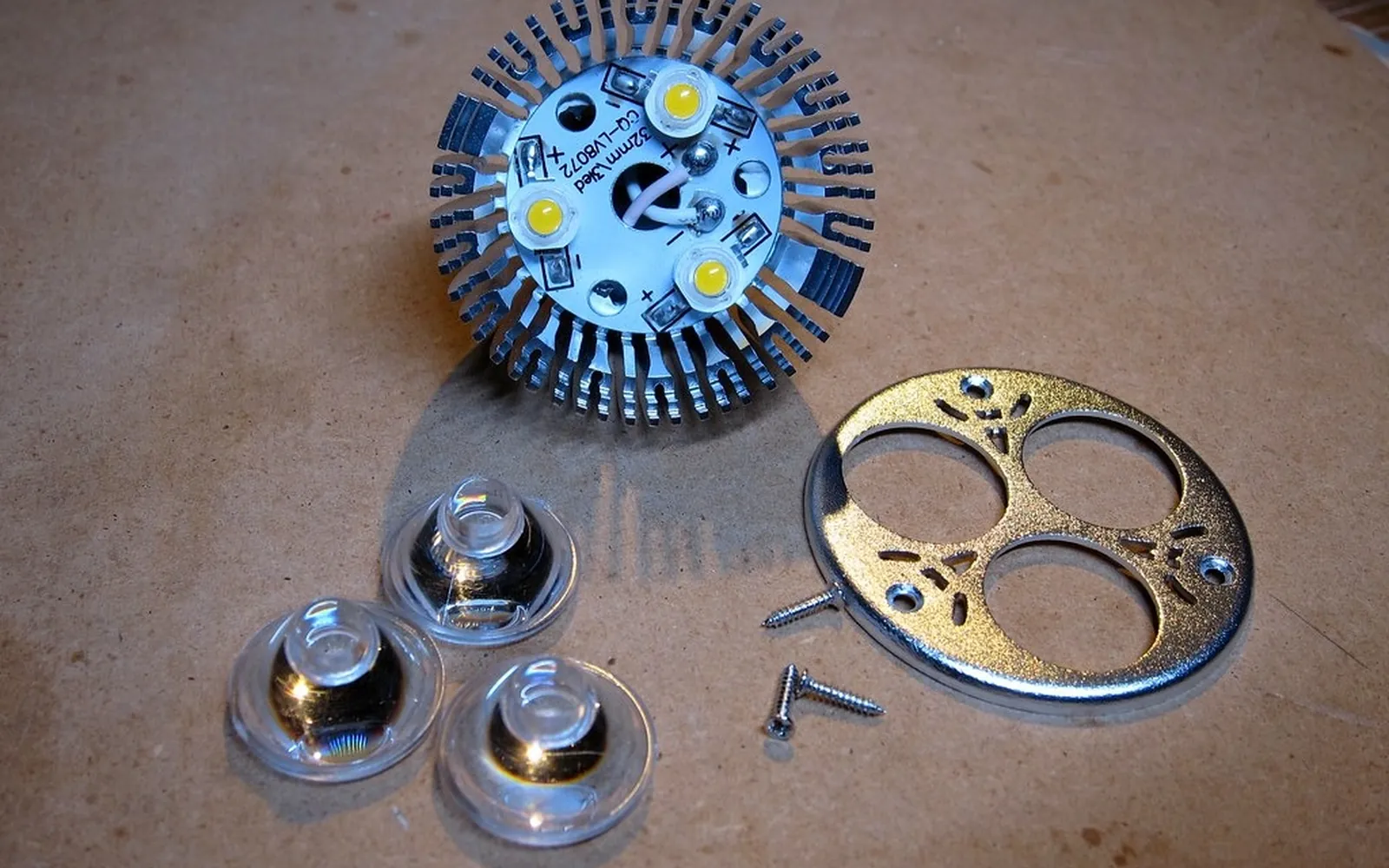
Compact fluorescent lamps and tube lights contain a small amount of mercury. Keep them whole and hand them in with e-waste. If one breaks, ventilate the room, collect the pieces with stiff paper and damp tissue, and seal them in a bag or jar. LED bulbs do not contain mercury but still contain electronics; see our LED bulb buying guide.
Cooling appliances
Old refrigerators and ACs contain refrigerant gases and compressor oil. Do not let anyone cut the pipes to “release the gas”. Ask the seller of your new appliance about take-back, or contact a registered recycler.
For students leaving Kota
At the end of a coaching year many students leave behind lamps, extension boards, kettles and chargers. Before you leave:
- Give working items to juniors or your PG owner rather than throwing them away.
- Collect dead chargers, earphones and power banks into one bag for e-waste collection.
- Wipe and reset any phone or tablet you sell or give away.
Our student room essentials guide suggests buying fewer, better items in the first place, which means less waste at the end.
Buying with disposal in mind
When you buy electronics, ask about warranty, repair support and take-back. A product that can be repaired, with a battery that can be replaced, will produce less waste over its life. The warranty vs guarantee guide explains what to look for on the card.
Frequently asked questions
Where can I dispose of e-waste in Kota?
Start with the brand or seller: many producers run take-back or exchange schemes, and some shops accept old items when you buy new ones. You can also look up registered e-waste recyclers and their collection arrangements on the Central Pollution Control Board's EPR portal, and ask your municipal corporation about collection drives.
Is it safe to sell an old phone to a kabadiwala?
Only after you have wiped it. Remove the SIM and memory card, sign out of all accounts and do a factory reset. Even then, informal dealers may strip parts in unsafe ways, so a take-back scheme or registered recycler is the better choice for dead devices.
Does a factory reset delete everything?
On modern phones with encryption turned on, a factory reset makes the old data practically unreadable. On older phones and on laptop hard drives it may not, so use the drive's secure erase option or have the drive physically destroyed before disposal.
How should I dispose of old batteries?
Return lead-acid inverter and vehicle batteries to the dealer or an authorised collector. Keep lithium phone and laptop batteries in one piece, tape the terminals and hand them in with e-waste. Do not puncture, crush or burn any battery.
What do I do with a broken CFL or tube light?
Open windows and leave the room for a while. Do not use a vacuum cleaner. Collect pieces with stiff paper and damp tissue, seal them in a jar or bag and keep it aside for e-waste collection rather than putting it in household waste.
Sources
Editorial team
The Kota Market team writes and updates the shopping guides on this site and corrects them when readers point out errors.